

Live chat for salons and beauty businesses
Your hands are busy with clients, but people still want to know the price of a colour or whether you do a patch test. Give them an easy way to ask.
Why salons miss messages
A salon runs on appointments, which leaves very little time for answering questions.
- The phone rings when everyone is with a client, and nobody can leave the chair.
- Clients ask the same questions about prices, patch tests and aftercare.
- Messages arrive on Instagram, WhatsApp and text, and the salon phone is not always to hand.
- Questions sent in the evening, when many clients are looking, wait until the next day.
How Orbis Chat suits a salon
A few minutes between clients is enough to clear your messages.
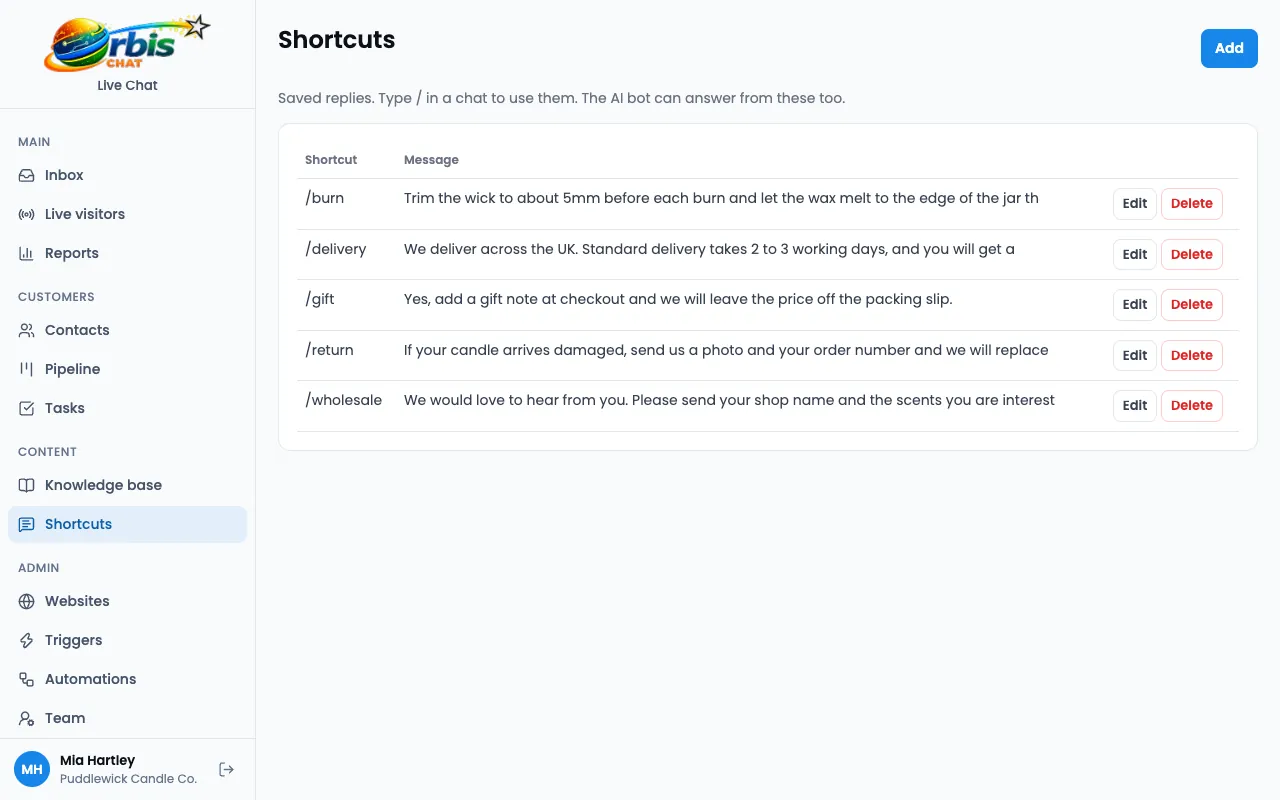
Shortcuts for treatments
Keep prices, patch test rules and aftercare as saved replies, and send them in seconds.
Business hours
Show when you are around, and take a message the rest of the time.
WhatsApp and SMS in one place
Connect your own accounts and let anyone on the team answer. Read about the shared inbox.
Your branding
Set the widget's colours and name to match your salon. See branding options.
Chat page
Share a hosted chat link in your social profiles, even if your website is basic.
Worked example: a colour enquiry in the evening
A new client looks at a salon's website one evening, thinking about a colour change.
They ask a question
The salon is closed, so the offline form takes their question and email address.
A ticket is waiting
In the morning, the receptionist sees the ticket in the inbox.
A shortcut covers the basics
A saved reply explains the patch test, and the receptionist adds a personal line.
The client books
They book through the salon's usual system. Orbis Chat handles the conversation, not the booking.
This is an illustration of how the features fit together, not a real customer story.
Frequently asked questions
Can clients book appointments in the chat?
Orbis Chat does not include a booking system. Agents can answer questions and share a link to however you take bookings.
Can several staff share the inbox?
Yes. Unlimited agents are included, and each person has their own login.
Is it hard to set up?
You paste one line into your website, once you have verified your email. If your website builder lets you add a script, that is all it needs.