

You can add Orbis Chat to a Shopify store by pasting one line into your theme. There is no Shopify app or one-click installer for it.
Before you start, check that you have verified your email address. The widget will not work until you do. The verification email comes from noreply@orbischat.co.uk, so check your spam folder if you cannot see it.
Add the snippet to your theme
Shopify's menus can change, but the idea stays the same: edit your theme's main layout file, then paste your snippet just before the closing body tag.
- In your Shopify admin, go to your online store's themes.
- Choose the option to edit your theme's code. It is worth duplicating the theme first, as a backup.
- Open the main layout file, usually called theme.liquid.
- Find the closing </body> tag.
- Paste your snippet on the line above it, then save.
<script async src="https://orbischat.co.uk/widget.js" data-key="YOUR_WEBSITE_KEY"></script>If you change themes later, you will need to add the snippet to the new theme as well.
Test it
Open your store in a private browser window, then send a test message from a product page. Check that it reaches your inbox.
Make the most of it in your store
- Write shortcuts for delivery times, returns and care advice.
- Add a trigger on your delivery information page.
- Publish a help centre that answers your most common questions.
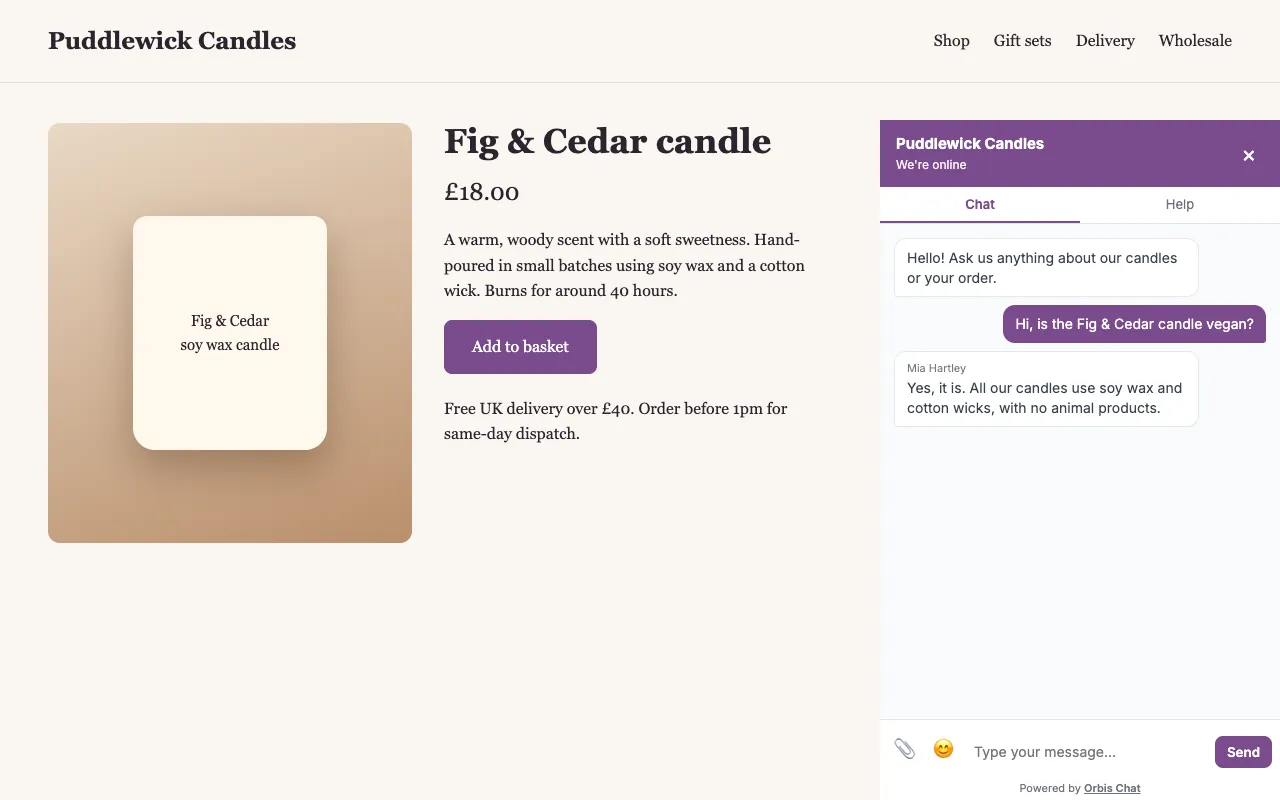
Agents check orders in your own Shopify admin, as Orbis Chat does not connect to orders by itself, and it does not take payment in chat. Read more about live chat for ecommerce.
Frequently asked questions
Is there a Shopify app?
No. Add the one-line snippet to your theme.
Can the chat see customer orders?
Not by itself. Agents look up orders in Shopify. Developers can build their own links using the JavaScript API, REST API and signed webhooks.